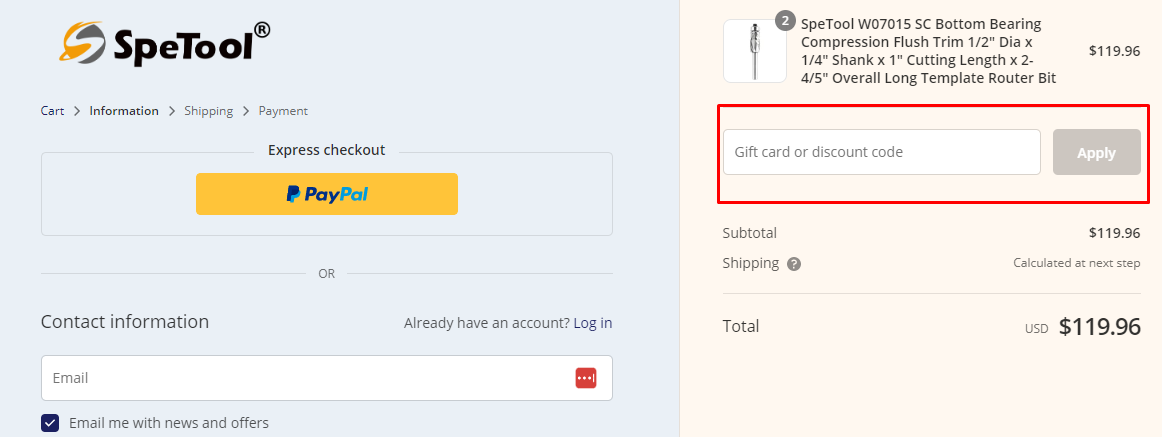
SpeTool currently lists the 16% off voucher at the top of this page, the main checkout code you can enter; it is best when you want one code to reduce the whole order across regular priced items. Several alternative sitewide codes (10% and 12%) sit below it, and there are automatic sale prices of up to 22% off best sellers as a separate path that applies only to marked down items.
Very large mixed carts: Use the 16% off voucher at the top of this page. On a $300 order, for example, the 16% voucher takes 16% off, reducing $300 to $252, a saving of $48. The 10% codes would take $30 and leave $270, so the 16% voucher leaves you with the lower total on a general purchase that contains both regular priced and sale items where you cannot stack codes.
If most of what you buy is on the best sellers sale: The sale prices of up to 22% off apply automatically only to qualifying sale items. If the items you want are in that sale, compare the sale total on those items with what a sitewide percent code would do. For example, two best seller items totalling $200 at the sale price with 22% off drops to $156, saving $44; the 16% voucher on the same $200 would leave $168, saving $32, so the sale path is cheaper when all items are eligible.
If you are a first time subscriber or prefer the newsletter route: The newsletter signup gives 12% off your order for new subscribers. On a $100 first order, 12% off reduces $100 to $88, a saving of $12; the 16% voucher would reduce $100 to $84, saving $16, so the 16% voucher still leaves a lower total on that basket. Use the newsletter 12% only if the 16% voucher cannot be applied for your order for some reason.
Buying new arrival products: There is an 8% code specifically for new arrivals. That code may be useful if your cart contains only new arrival items and no sitewide code is accepted; otherwise the 16% voucher will save more on the same original price.
When you see several 10% or 12% codes listed: All site codes state they cannot be stacked with other promotions. That means you must pick one code at checkout. The 16% voucher at the top of this page usually beats any 10% or 12% code for the same basket, so choose the single code that leaves the lower total.
To choose between the options that apply to your cart, calculate the final price after a single applicable promotion and take the one that leaves you paying the least. If items are automatic sale items with an up to 22% reduction, use those sale prices for those items and compare that total to applying the 16% sitewide voucher to the whole order; pick the lower total. Where an offer explicitly states a cannot be combined rule, apply only that single offer.